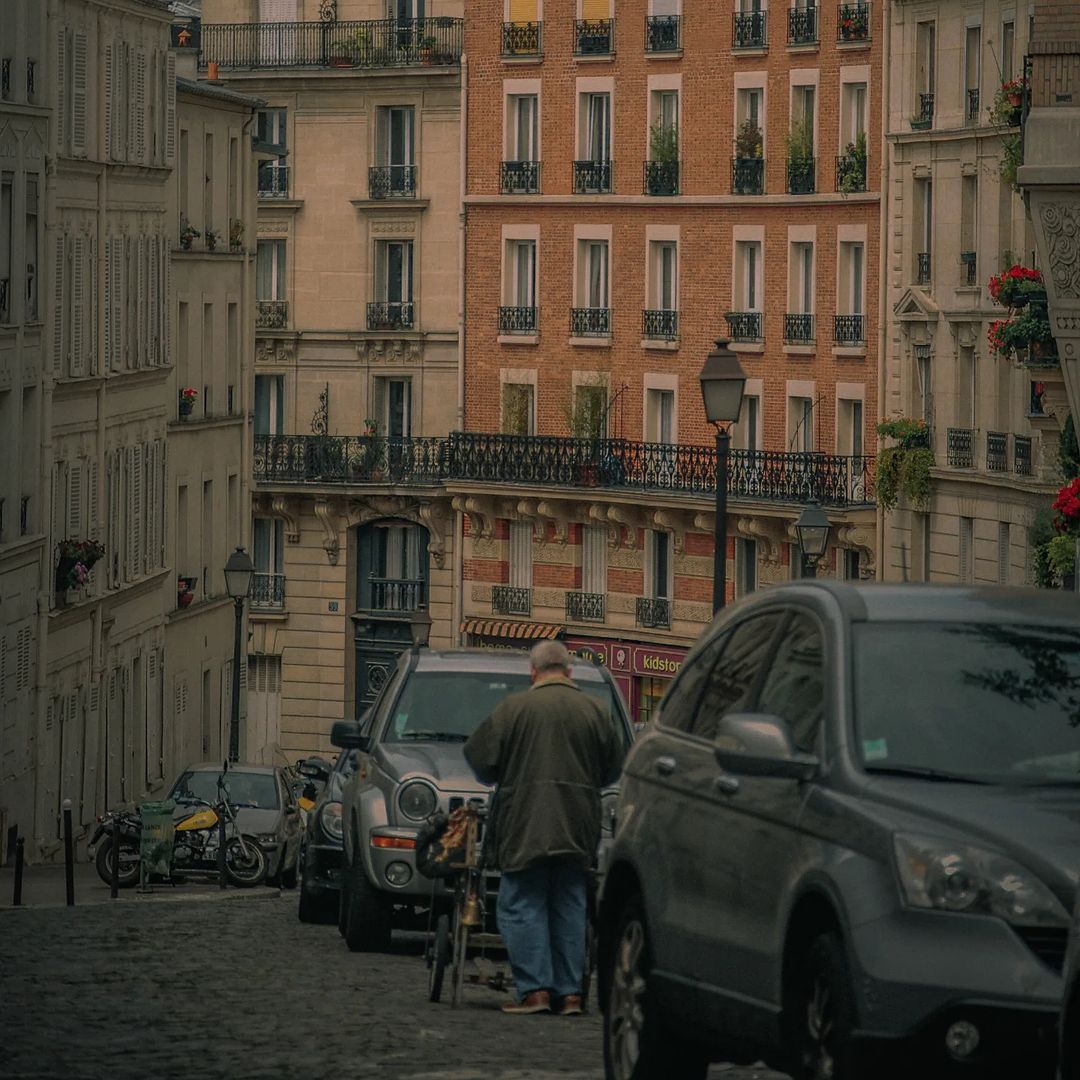
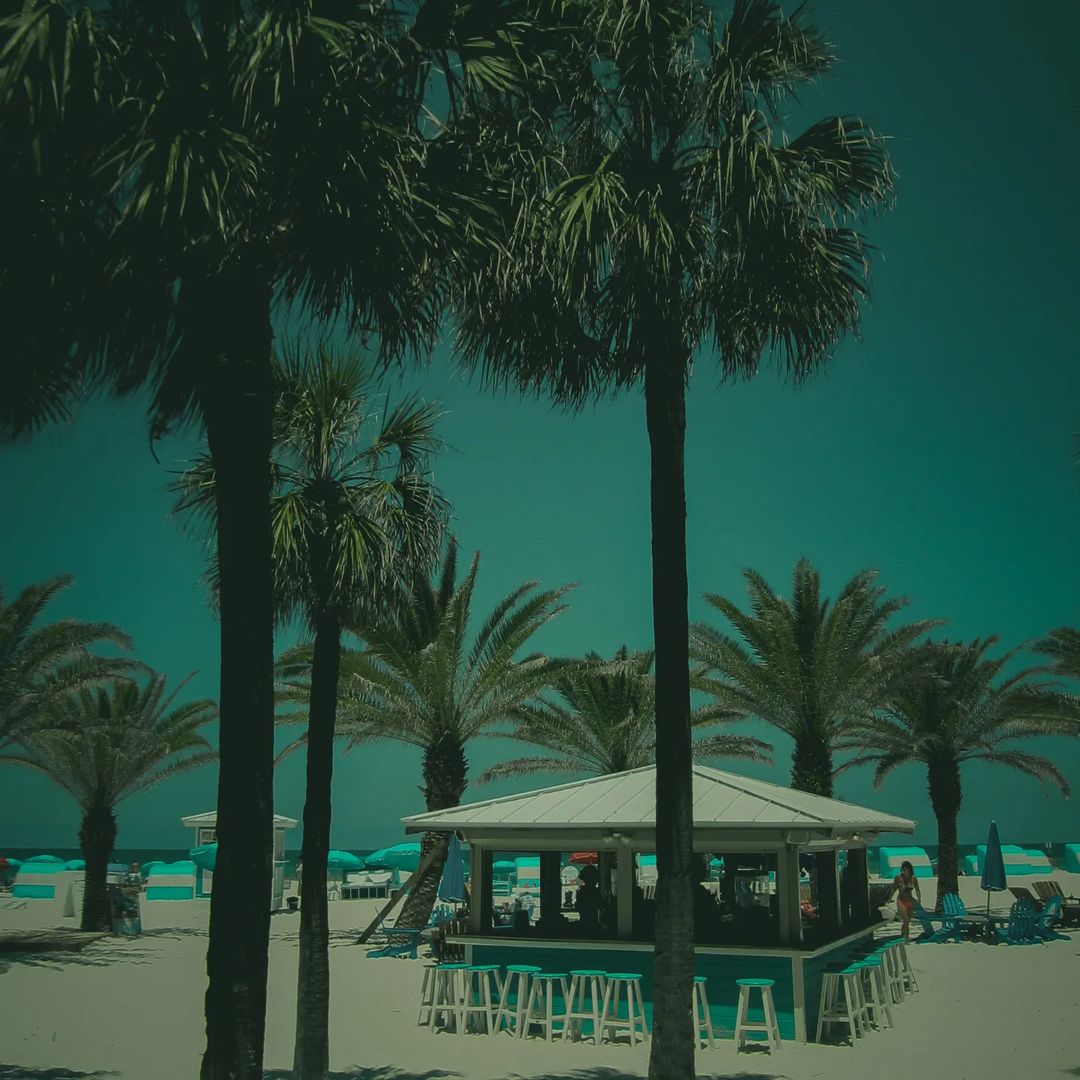
Grainy Vintage Preset | Aesthetic Presets free dng |

( Sample images — actual preset results vary by photo )
Grainy Vintage Preset | Aesthetic Presets free dng |
Grainy Vintage Preset | Aesthetic Presets free dng |
( Compatible with )
Sign in to buy or unlock this preset with a YouTube password.
Grainy Vintage Preset | Aesthetic Presets free dng | wraps every frame in the unmistakable warmth of golden-hour cinema — lifted blacks, amber-tinted highlights, and a colour grade that feels pulled straight from a professional colour suite. It is built for creators who want their work to carry the weight and warmth of a feature film without a single manual adjustment.
City scenes, portrait sessions, and travel photography all benefit from its rich tonal depth. Warm mid-tones draw out skin naturally while controlled shadow lift prevents harsh clipping in darker areas, giving a finished, editorial quality to images that would otherwise read as ordinary.
How to Access This Preset
This preset can be unlocked at no cost by watching the accompanying YouTube tutorial. The unlock password appears split across two moments in the upper-right corner of the video during playback — you will need both parts to complete the entry.
If you prefer immediate access without watching the tutorial, purchasing the preset delivers an instant download with no additional steps required. Both options provide exactly the same file and the same lifetime access.
Choose whichever method better suits your workflow.
Leave a review
Purchased or unlocked this preset? Share your experience — reviews go live after moderation.


Aesthetic Nightvision Preset | 35 mm Film Presets Free DNG | Lightroom Editing |

Arius | How To Edit Portrait Photography | Portraits | Portraits